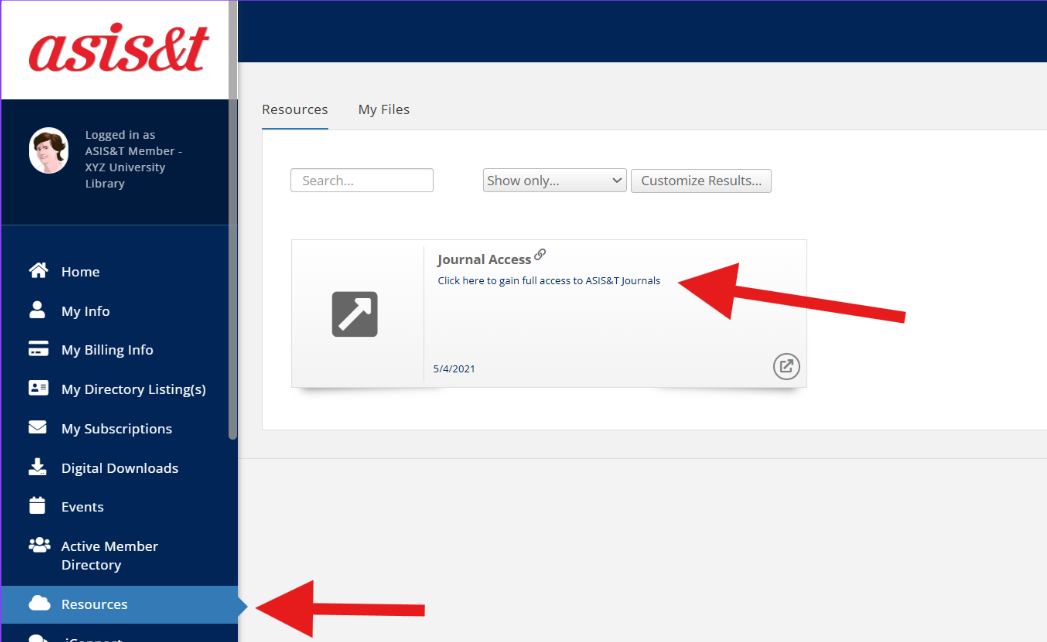
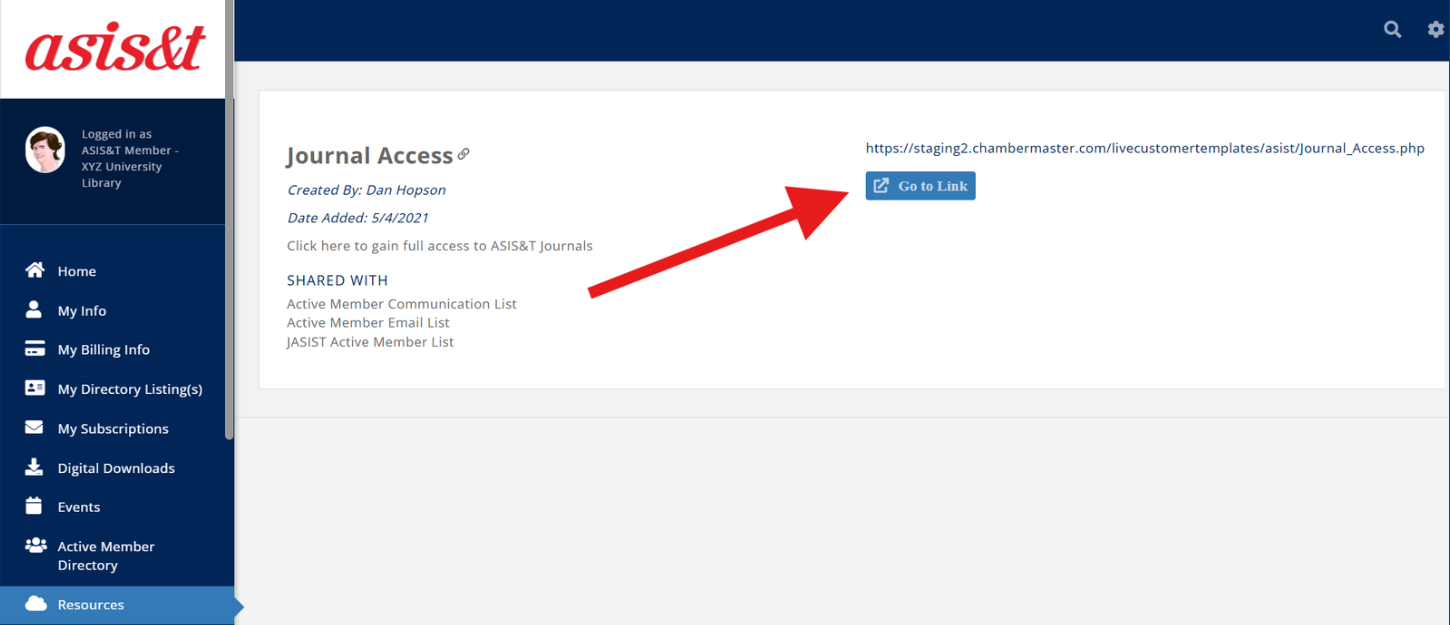
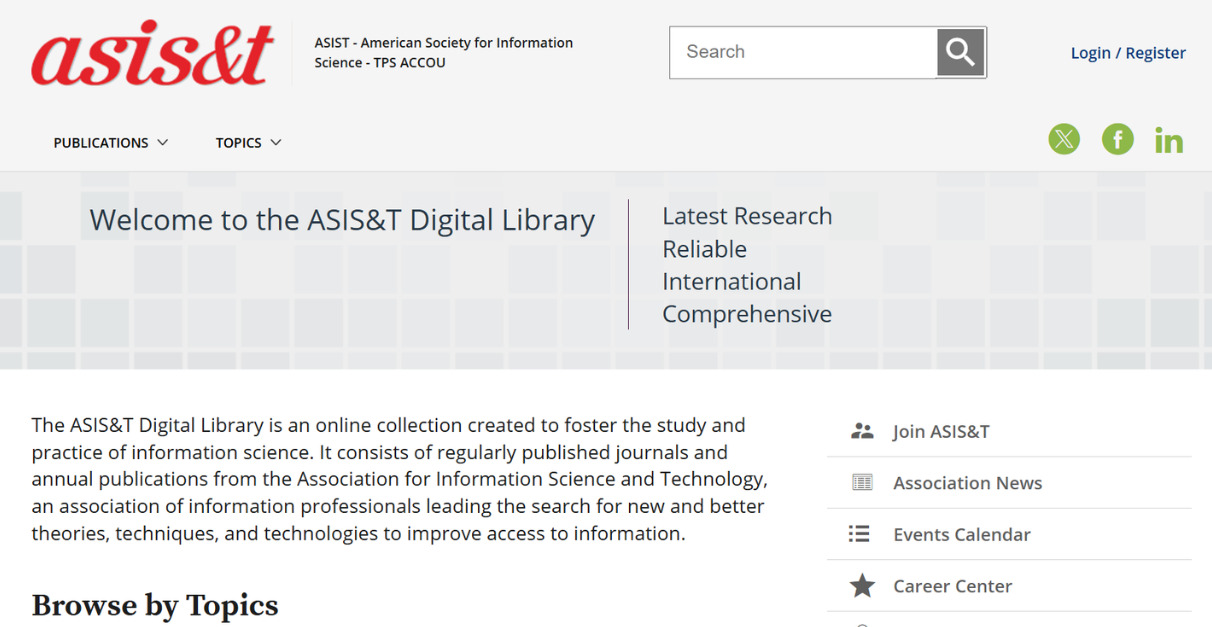
How To Access Your JASIST Subscription 1. Go to the ASIS&T homepage and log into InfoHub using your ASIS&T log-in credentials 2. Select “Resources” on the sidebar and then select “Journal Access” 3. Click “Go to Link” on the next page 4. Access your JASIST subscription as well as other publications